
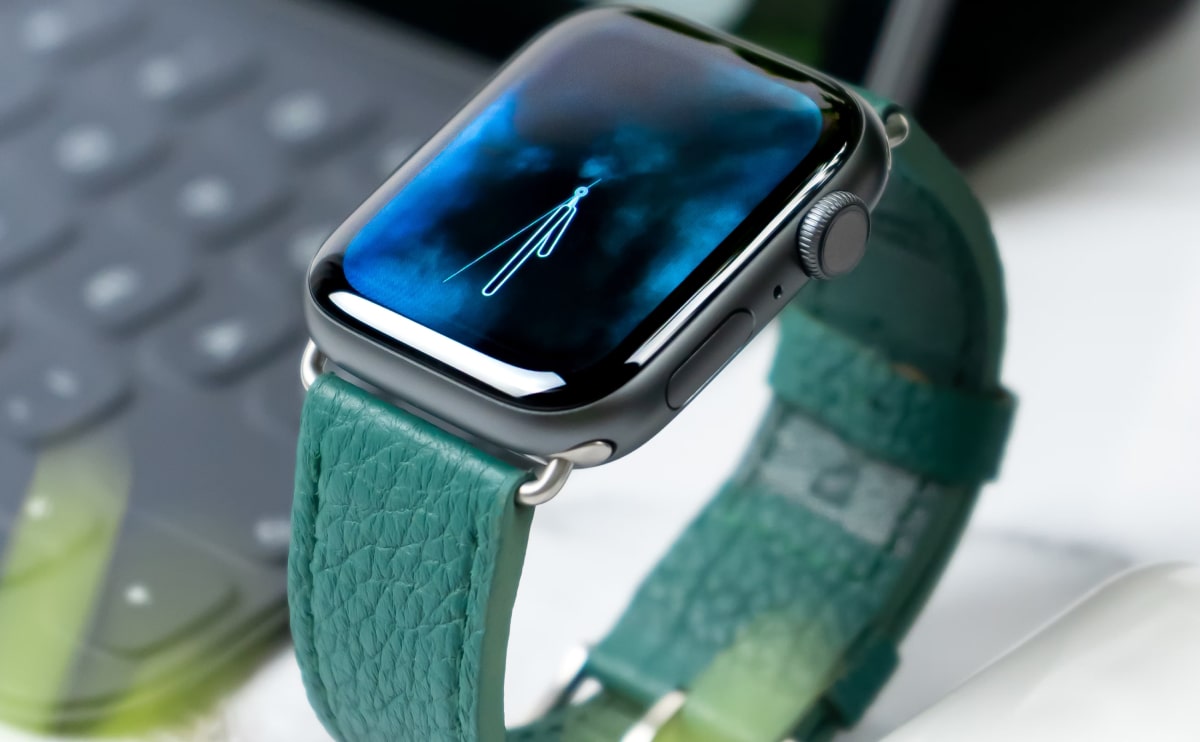
Smartwatches That Actually Make Life Easier (2025 Edition)
Smartwatches have come a long way — and in 2025, they’re more like personal assistants strapped to your wrist. Whether you...
Choosing the right laptop can make a big difference to how you work, study, create and stay connected. With so many models available from Dell, HP, Lenovo, ASUS, Acer and other trusted brands, finding the right balance between performance, portability and price can feel overwhelming.
Whether you need a laptop for university, working from home, office applications or everyday browsing, we’ve rounded up some excellent options to consider.
Best for Business & Professional Use
Key Features: Business-focused design, Intel Core processors, comfortable keyboards, multiple connectivity options
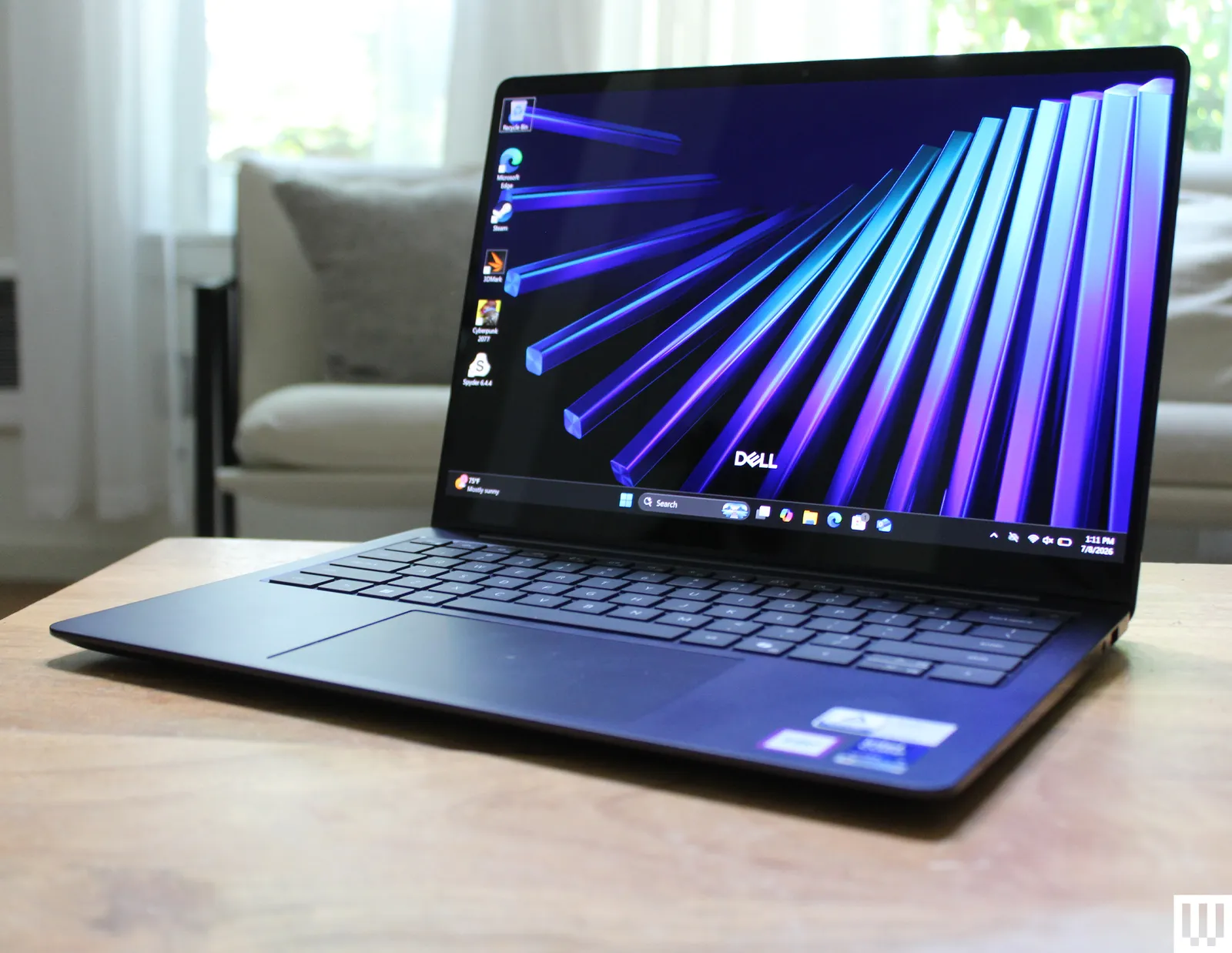
Dell Latitude laptops are designed with productivity in mind. They are particularly popular with professionals, students and businesses looking for dependable machines for everyday work.
With features such as comfortable keyboards, practical ports and efficient Intel processors across many models, the Latitude range is a great choice for Microsoft Office, web browsing, video meetings and general productivity.
Best for Professional Productivity
Key Features: Premium business design, Intel Core processors, security features, professional displays
HP EliteBook laptops combine a professional appearance with practical performance. They are well suited to office work, remote working, studying and business applications.
The EliteBook range is also known for its comfortable keyboards and business-oriented features, making it a strong choice for users who want a laptop that looks professional and performs reliably.
Best for Work & Durability
Key Features: Excellent keyboards, business-focused design, strong connectivity, productivity features
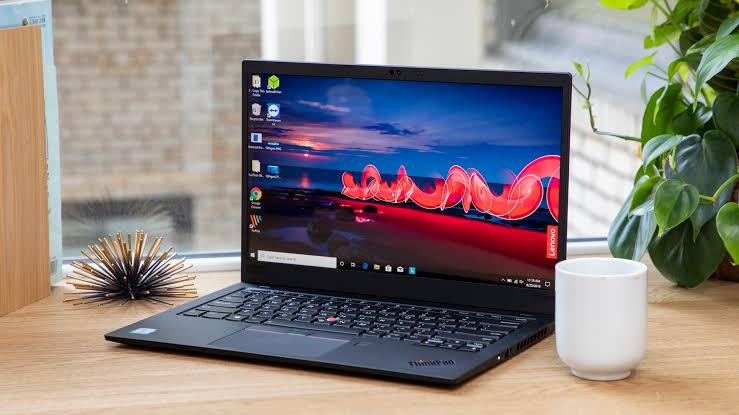
The Lenovo ThinkPad range has built a strong reputation among business and professional users. Its comfortable keyboards and practical design make it particularly useful for people who spend long hours typing.
ThinkPads are ideal for office applications, programming, studying, remote work and everyday productivity.
Best for Portability & Style
Key Features: Slim design, lightweight construction, high-resolution displays, modern processors
If portability is important to you, an ASUS ZenBook can be an excellent option. These laptops are designed to be easy to carry while still providing enough performance for everyday productivity.
They are a great fit for students, professionals and anyone who frequently works away from their desk.
Best for Everyday Computing
Key Features: Practical design, everyday performance, multiple configuration options, affordable pricing
The Acer Aspire range offers a practical solution for everyday computing. Depending on the configuration, Aspire laptops can handle browsing, documents, streaming, online learning and general home use.
They are particularly attractive to buyers looking for useful features without paying for unnecessary high-end specifications.
Best for macOS Users
Key Features: Slim design, Apple silicon performance, long battery life, macOS ecosystem
The MacBook Air is a popular choice for users who prefer Apple’s ecosystem. Its lightweight design and efficient Apple silicon make it suitable for productivity, browsing, creative applications and everyday use.
It is particularly appealing to students, professionals and existing Apple users who want seamless integration with their other devices.
Before choosing your next laptop, consider these important factors:
Processor: A modern Intel Core, AMD Ryzen or Apple silicon processor can provide excellent performance for everyday computing.
RAM: 8GB can be suitable for basic tasks, while 16GB or more is recommended for heavier multitasking and demanding applications.
Storage: An SSD provides faster startup times and generally makes the laptop feel much more responsive than older mechanical hard drives.
Display: Consider screen size, resolution and panel quality depending on whether you’ll mainly work, study, watch media or create content.
Battery Life: If you regularly work away from a power outlet, battery performance should be an important part of your decision.
Portability: A lightweight laptop is ideal for students and professionals who travel frequently.
The best laptop isn’t necessarily the most expensive one. It’s the laptop that provides the right combination of performance, features, portability and value for your individual needs.
From business-focused Dell Latitude and HP EliteBook laptops to dependable Lenovo ThinkPads and stylish ASUS and Apple models, there are plenty of options available for every type of user.
Explore NHIL’s laptop range to find a machine that’s right for your work, study and everyday computing needs.
Buying a refurbished laptop can be a smart way to get reliable technology at a more affordable price. Instead of paying full retail price for a brand-new device, you can often find quality laptops from trusted manufacturers such as Dell, HP, Lenovo and other leading brands.
However, not all refurbished laptops are the same. Before making a purchase, there are several important things you should check.
The processor is one of the most important components of any laptop. It affects how quickly your computer can handle applications, multitasking and everyday workloads.
Look for modern Intel Core, AMD Ryzen or Apple silicon processors depending on your requirements.
For basic tasks such as browsing, email and documents, you don’t necessarily need the most powerful processor. For programming, creative work or demanding applications, a higher-performance processor may be more suitable.
RAM affects how many applications and tasks your laptop can comfortably handle at the same time.
8GB RAM: Suitable for everyday browsing, documents, streaming and basic productivity.
16GB RAM: A better choice for multitasking, programming, business applications and more demanding workloads.
32GB+ RAM: Useful for professional workloads such as advanced content creation, virtual machines and other memory-intensive applications.
For many users, 16GB offers an excellent balance between performance and value.
An SSD can make a major difference to the overall responsiveness of a laptop.
Compared with older mechanical hard drives, SSD storage generally provides faster boot times, quicker application loading and a more responsive everyday experience.
For general use, a 256GB or 512GB SSD can provide a good starting point. Users who store large amounts of photos, videos or applications may want additional storage.
Refurbished laptops may have minor cosmetic signs of previous use.
Before purchasing, check the product description for information about:
A professionally checked laptop can provide excellent value when its condition and specifications are clearly explained.
Battery condition is especially important when purchasing a refurbished laptop.
If you regularly work from cafés, university, offices or while travelling, you’ll want a battery that can provide sufficient runtime for your typical day.
Always check the product listing for available battery information and remember that battery performance can vary depending on usage, settings and the age of the device.
Think about how you plan to use your laptop.
A 13- or 14-inch laptop can be excellent for portability, while a 15- or 16-inch display can provide more workspace and a more comfortable viewing experience.
If you work with photos, video or other visual content, display resolution and panel quality become even more important.
Before buying, make sure the laptop has the connections you need.
Depending on the model, you may want:
This is particularly important if you regularly connect external monitors, storage devices, keyboards, mice or other accessories.
Check which operating system comes with the laptop.
Windows laptops are widely used for business, education and everyday computing, while MacBooks use macOS and integrate closely with Apple’s ecosystem.
Make sure the laptop is compatible with the software you need before purchasing.
A good warranty and clear returns policy can give you additional peace of mind when buying refurbished technology.
Before ordering, check the retailer’s warranty coverage, return conditions and support options.
At NHIL, we aim to make buying technology straightforward by providing clear product information so customers can make an informed decision.
Refurbished laptops can offer several advantages:
Better Value: Get more powerful hardware for your budget.
Trusted Brands: Choose from established manufacturers such as Dell, HP and Lenovo.
Great for Students: A refurbished laptop can provide the performance needed for university and coursework without the price of a new premium model.
Ideal for Business: Business-class laptops can be an excellent option for office and remote work.
More Choice: Refurbished stock can include models and configurations that are no longer widely available as new products.
Buying a refurbished laptop doesn’t have to mean compromising on quality. By checking the processor, RAM, SSD, display, battery, condition, connectivity, operating system and warranty, you can choose a laptop that provides the right combination of performance and value.
Whether you’re looking for a Dell Latitude, HP EliteBook, Lenovo ThinkPad or another trusted model, take the time to compare the specifications and choose a laptop that matches the way you actually use your computer.
Shop NHIL for quality laptops and find the right technology for your needs.
Smartwatches have come a long way — and in 2025, they’re more like personal assistants strapped to your wrist. Whether you...
Choosing the right laptop can make a big difference to how you work, study, create and stay connected. With so...
Choosing the right laptop can make a big difference to how you work, study, create and stay connected. With so...